Class Dojo
role
Instructional Designer
Tools used
Articulate Storyline
Client/Context
K-12 Teachers
year
2022
Overview
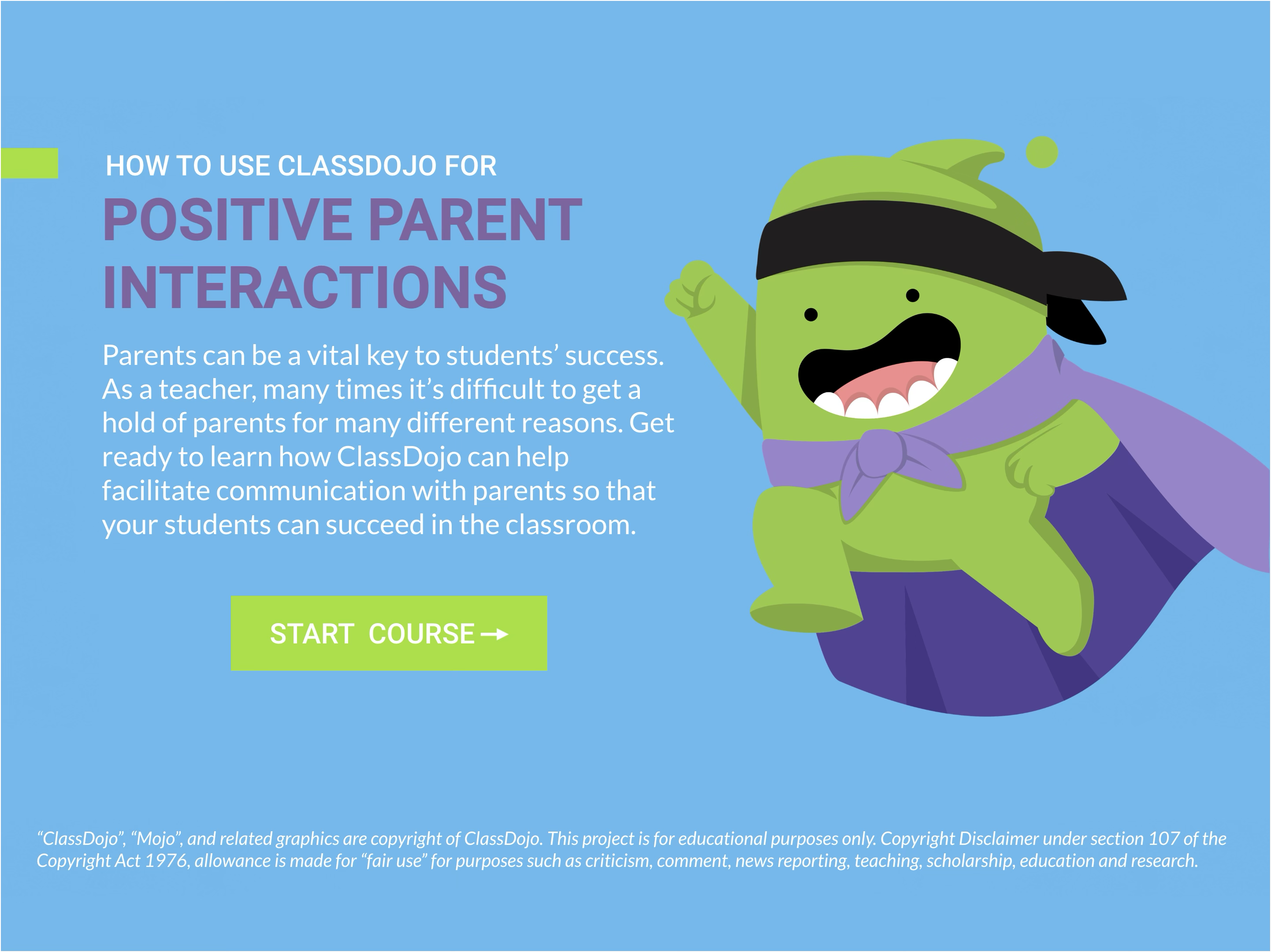
Designed a scenario-based eLearning module that helps teachers use ClassDojo to strengthen communication with parents. The experience follows a “day in the life” flow and models how specific ClassDojo features support common classroom moments, such as behavior updates and progress sharing. The goal was to provide practical, actionable strategies teachers could apply immediately.
The Challenge
Teacher stress is often amplified by difficult parent interactions and inconsistent communication routines. ClassDojo is widely accessible and easy to adopt, but many teachers were not using it consistently or strategically. Working with a veteran teacher as a subject matter expert, I built a learning experience that focuses on realistic teacher actions that improve parent communication without adding complexity to an already busy day.
Objectives & Success Measures
1. Teachers identify which ClassDojo features align to common communication needs (behavior, progress updates, positive reinforcement).
2. Teachers choose appropriate communication actions in classroom scenarios and explain why they are effective.
3. Success can be monitored through decision-point accuracy, quiz performance, and learner confidence feedback.
Design & Development
1. Action mapping: Used Cathy Moore’s action mapping to define the key behaviors teachers need to practice and remove nonessential content.
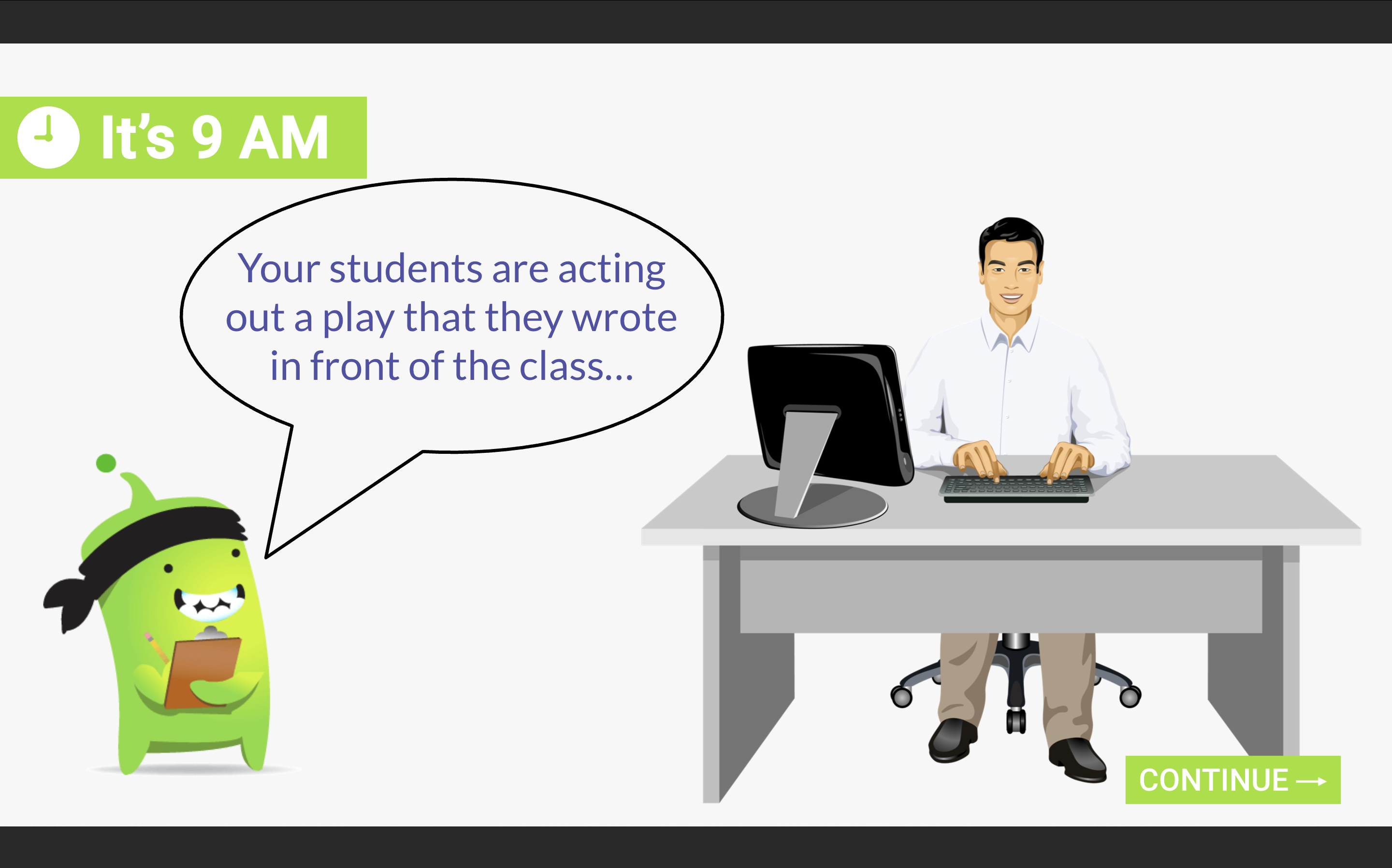
2. Scenario-based storyboarding: Built a sequence of interactive scenarios tied to real classroom challenges. Learner choices drive the story, with feedback and retry paths to reinforce correct decisions.
3. Prototyping and visual design: Developed a clickable prototype, then refined a custom visual approach aligned to ClassDojo’s brand while maintaining Storyline usability and clear navigation. Peer review feedback informed final refinements before build.
Key Features
- Branching, scenario-based decision points with targeted feedback
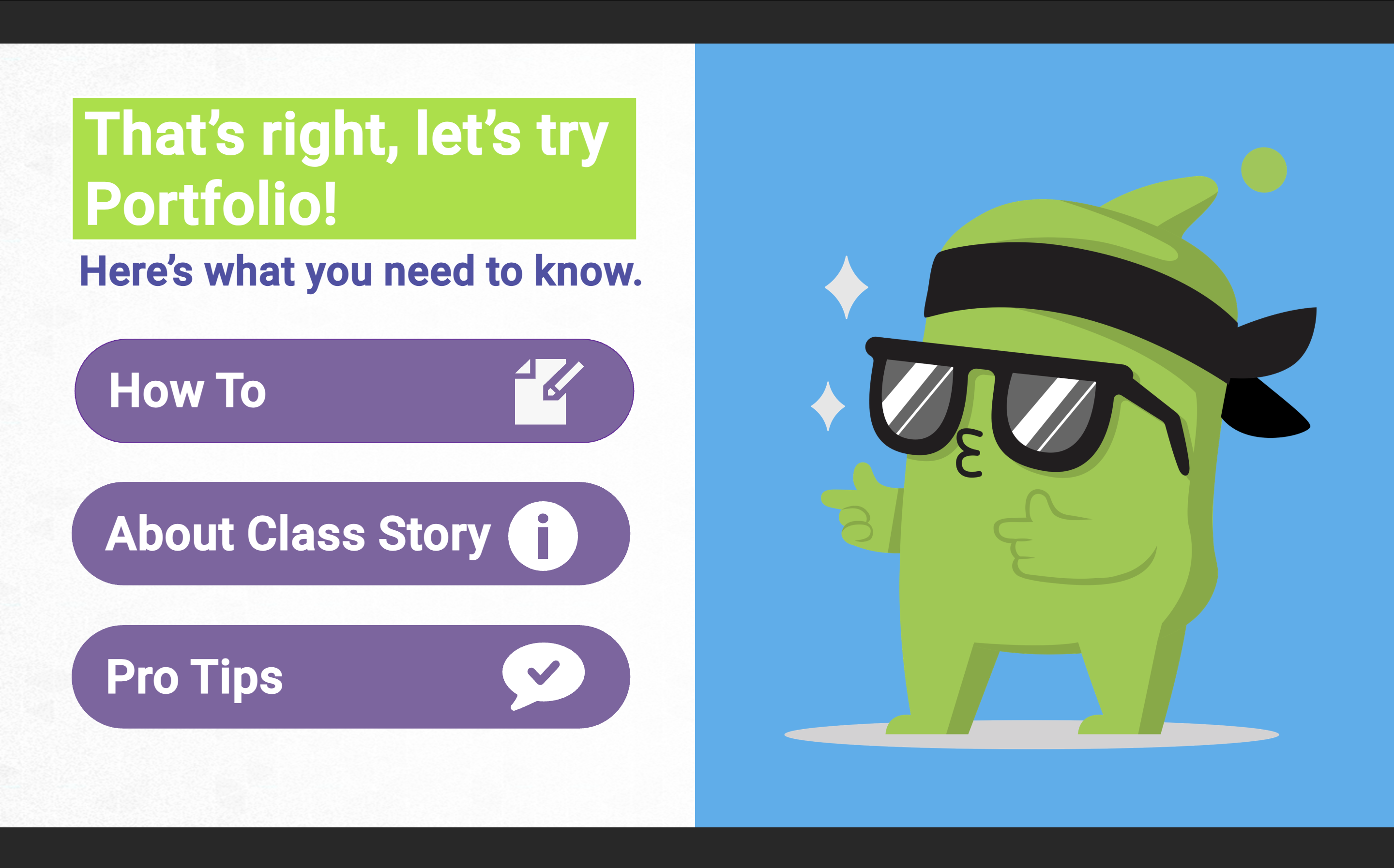
- Hub-style navigation that unlocks deeper “how-to” tutorials after correct choices
- Interactive tutorials (tabs, sliders, click-to-reveal) to demonstrate feature use
- Formative checks for understanding and short quizzes for reinforcement
Quality & Iteration
Collected feedback from teachers and instructional design peers and made revisions to improve clarity and accessibility, including clearer instructions in two decision points and improved contrast and button sizing.
Takeaways
This project strengthened my ability to design for time-pressed learners, translate a complex tool into simple and usable workflows, and combine scenario writing with strong visual consistency and interaction design.
Get in touch
Looking for an instructional designer you don’t have to babysit? I deliver accurate, on-brand training (in English and Spanish) on time, every time. From compliance modules to custom storytelling, I bring clarity, consistency, and calm to complex projects. Ready to get started? Fill out the form below. I’d love to hear about your project.